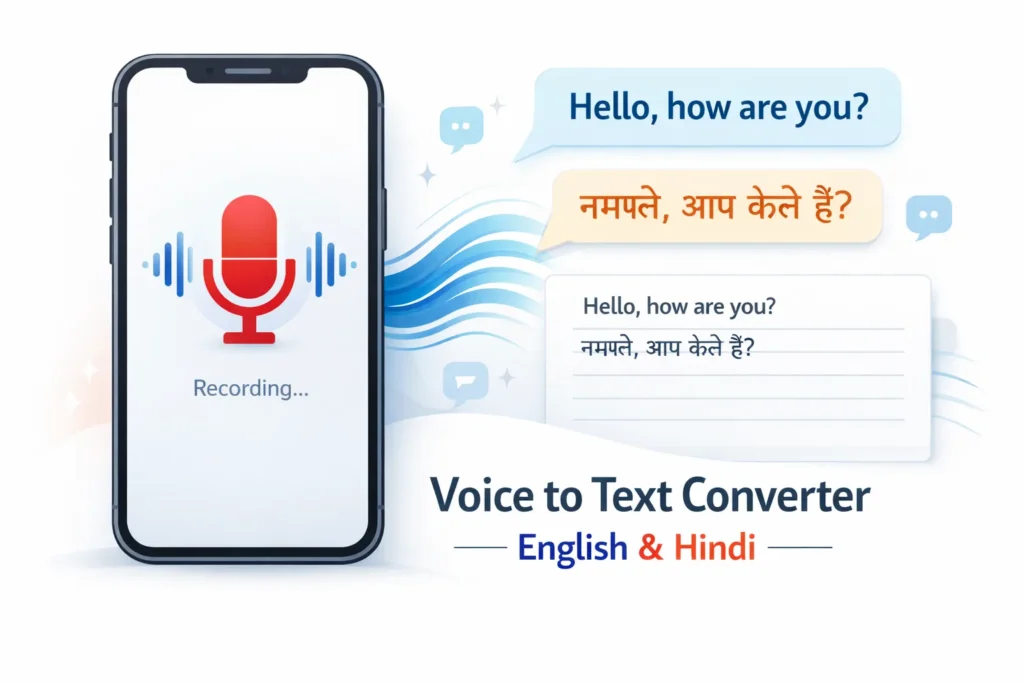
Voice to Text Converter
5 Powerful Reasons to Use a Fast & Accurate Voice to Text Converter (English & Hindi)
A voice to text converter allows users to speak into a microphone and automatically convert spoken words into written text using AI. It supports English and Hindi and works on both mobile and desktop devices.
1. How to Use the Voice to Text Converter in 3 Easy Steps
Using the Voice-to-Text (VTT) converter is simple and works smoothly on both mobile and desktop devices. Open the VTT page, choose your preferred language (English or Hindi), and tap the Start button to begin recording. Speak clearly into your microphone, and once you are done, tap the Stop button. The spoken audio is automatically converted into accurate text and displayed in the text box, where you can copy, edit, or download it for further use. This tool is ideal for students, journalists, content creators, and anyone who wants fast and reliable speech-to-text conversion.
Steps to Use the VTT Converter
- Open the Voice-to-Text converter page on your website
- Select the language (English or Hindi)
- Click on Start Recording and speak clearly
- Click Stop when finished
- Copy or download the converted text
2. Top 5 Benefits of Using an AI Voice to Text Converter
1. Fast and Accurate Speech Recognition
- The AI-powered VTT tool converts voice to text quickly with high accuracy, even for Indian accents.
2. Supports English and Hindi Languages
- You can easily convert speech into English or Hindi text without switching tools.
3. Works Perfectly on Mobile Devices
- The voice to text converter is mobile-friendly and works best on Android devices using Chrome.
4. No App Installation Required
- You can use the tool directly from your browser without downloading any app.
5. Ideal for Students, Exams, and Content Creation
- Perfect for exam preparation, article writing, news dictation, and note-taking.
3. 3 Best Use Cases for Voice to Text Conversion
1. Students and Exam Preparation-
Students can quickly dictate answers, notes, and practice content using voice input.
2. Journalists and Content Writers
Writers can save time by converting spoken ideas into written drafts instantly.
3. Professionals and Daily Productivity
Professionals can dictate emails, reports, and ideas hands-free.
4. 5 Tips for Better Voice to Text Accuracy
- Pause briefly between sentences
- Use the tool on a secure HTTPS website
- Speak clearly in a quiet environment
- Allow microphone permission when prompted
- Use Google Chrome for best results
5. Frequently Asked Questions About Voice to Text Converter
1. Can I convert voice to text on mobile?
- Yes, the voice to text converter works smoothly on mobile devices, especially on Chrome.
2. Does the VTT tool support Hindi?
- Yes, the tool supports both Hindi and English with high accuracy.
3. Is the voice to text converter free to use?
- Basic usage is free, and advanced AI features may depend on API usage.